Features
Everything Zalmaya can do today.
This page describes the app as it actually is: no promises, and no upcoming feature presented as available.
Interactive piano
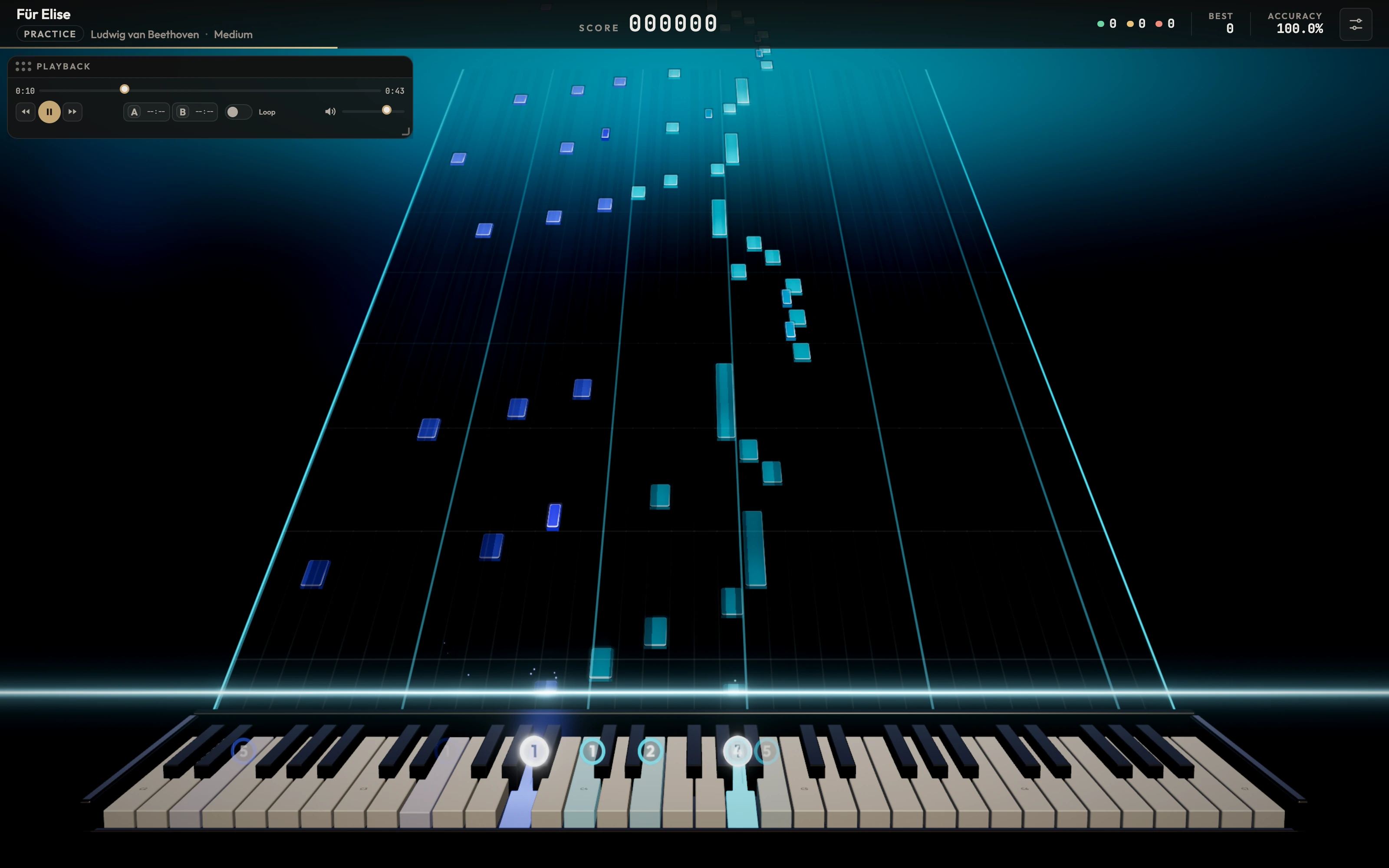
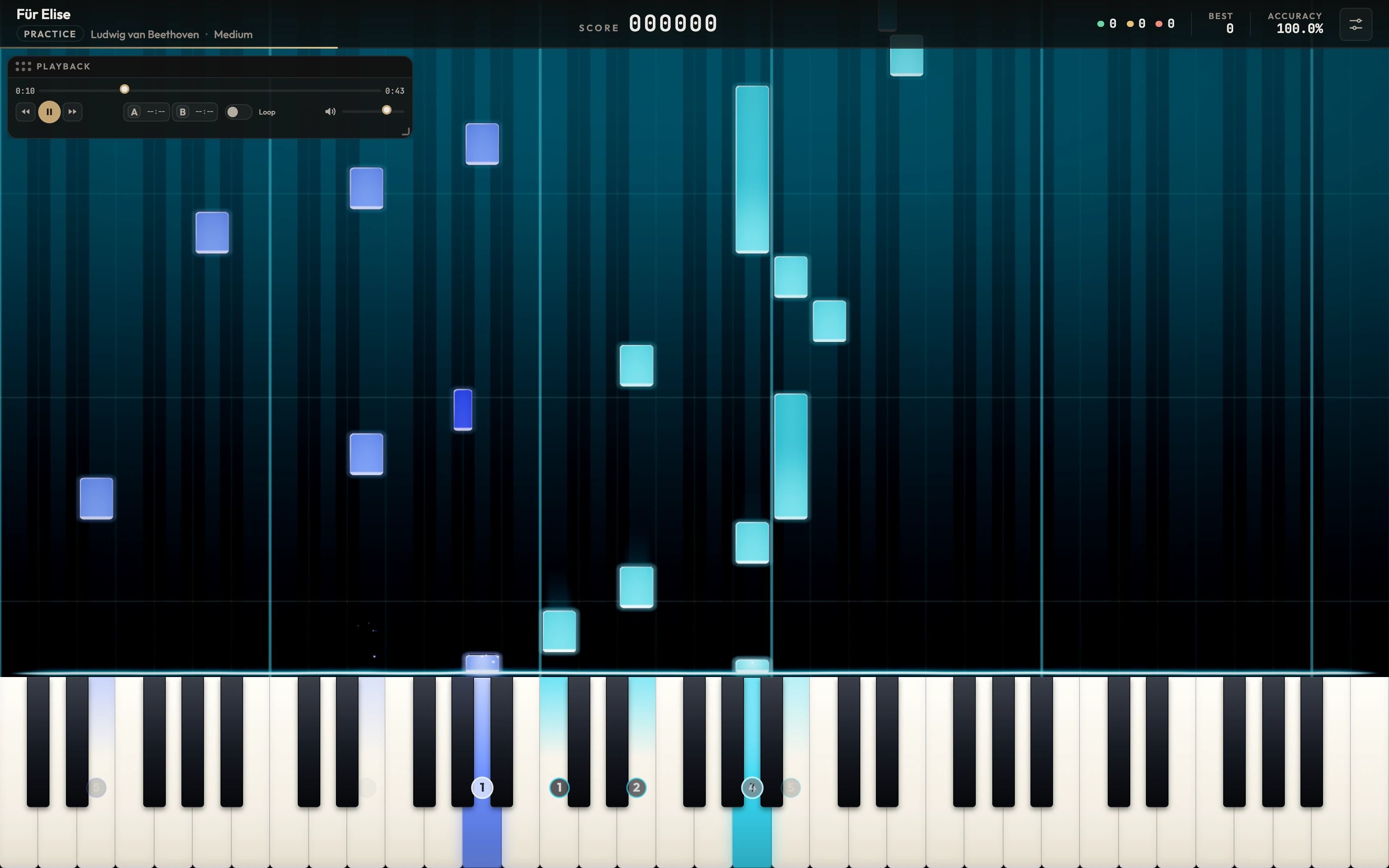
The notes fall. You play them.
Every note in your song travels down to the keyboard right when you need to play it. The right and left hands each have their own colour, and the keys light up when you press them.
Two game modes
Performance to play the piece in one go and get a score, Practice to work on it at your own pace.
Precise judging
Every note is judged Perfect, Good or Miss. Score, combo, accuracy and a final rank from S to F.
Your progress
Your best score, best accuracy and number of sessions are saved for each song.
Learn
A real path for beginners.
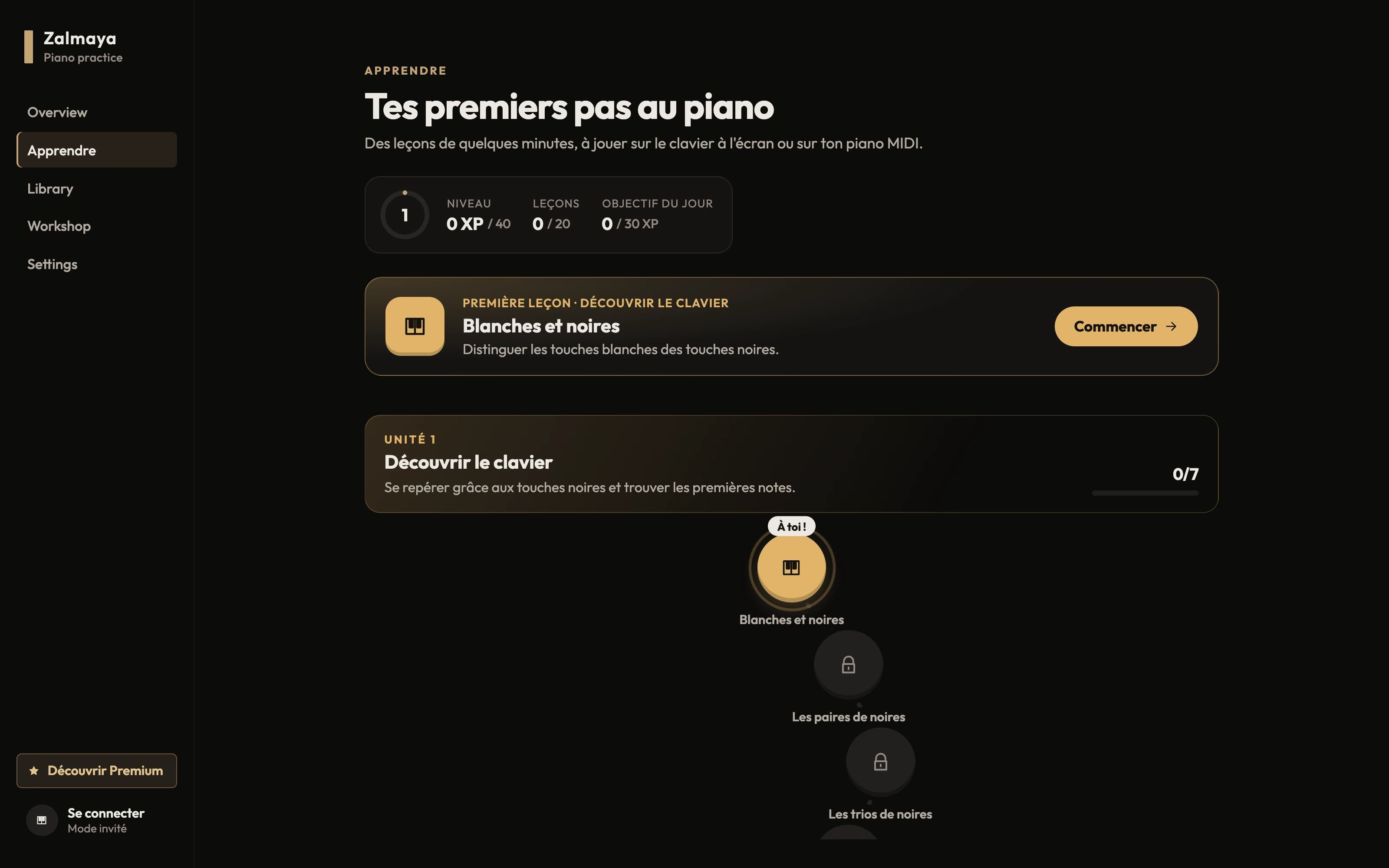
Twenty mini-lessons, only one new idea per lesson. Visual hints fade as you go and what you've already learned comes back for review.
- Play on the on-screen keyboard with the mouse or computer keyboard, or on your MIDI piano
- Hints available when you're stuck
- Level, XP and a daily goal
- Metronome and rhythm exercises in unit 3
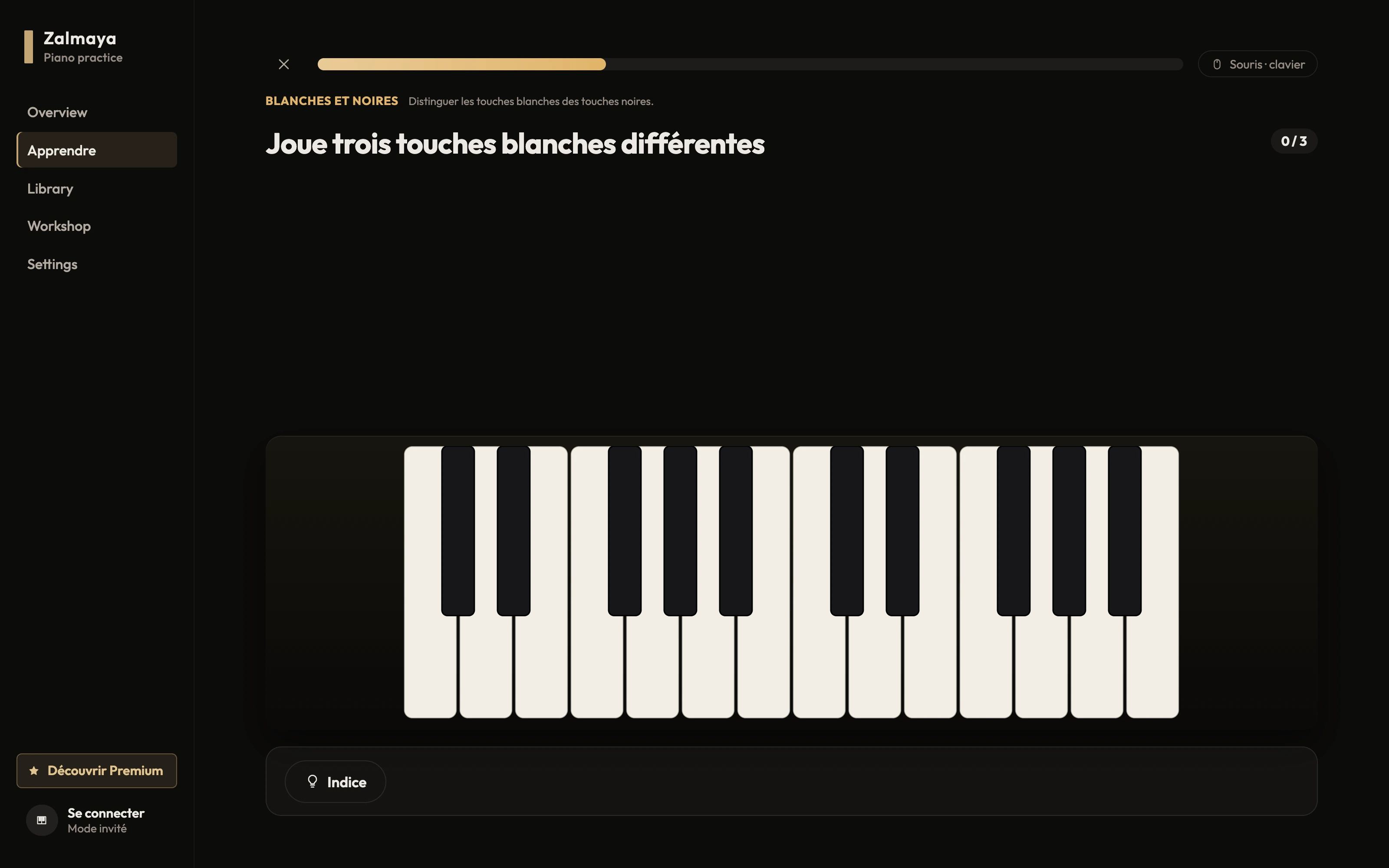
- Unit 1 · 7 lessonsFree
Discover the keyboard
White and black keys, groups of keys, finding C, D, E, F.
- Unit 2 · 5 lessonsFree
First notes
Middle C, G, A, B, octaves and a first sequence.
- Unit 3 · 4 lessonsPremium
Rhythm
The pulse, playing in time, long and short notes, copying a pattern.
- Unit 4 · 4 lessonsPremium
First melodies
Frère Jacques, Au clair de la lune and Ode to Joy, all the way through.
Practice
Work on a piece without rushing.
Practice mode is made for learning a piece, not for being scored. Zalmaya shows you which fingers to use and waits for you if you need it.
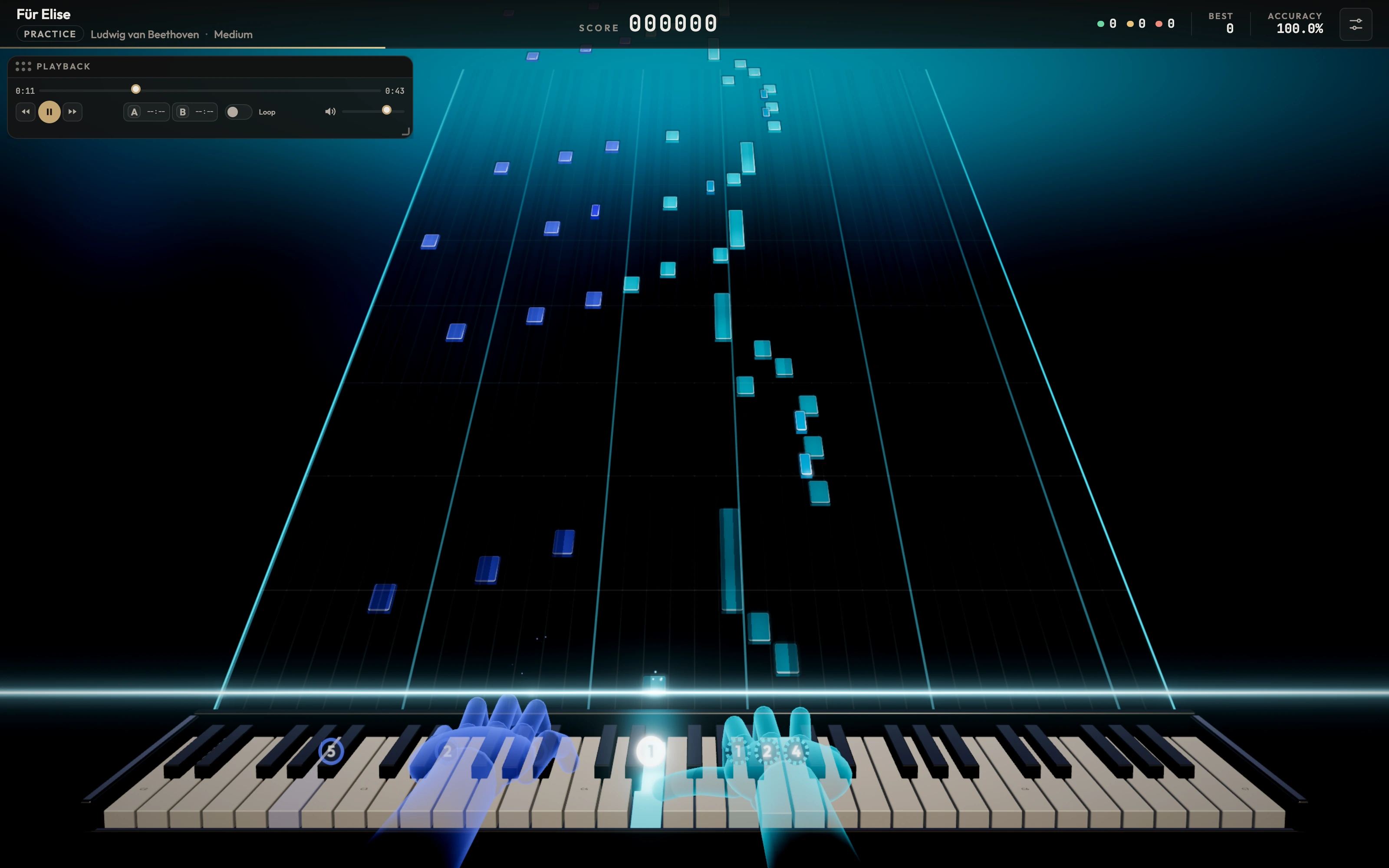
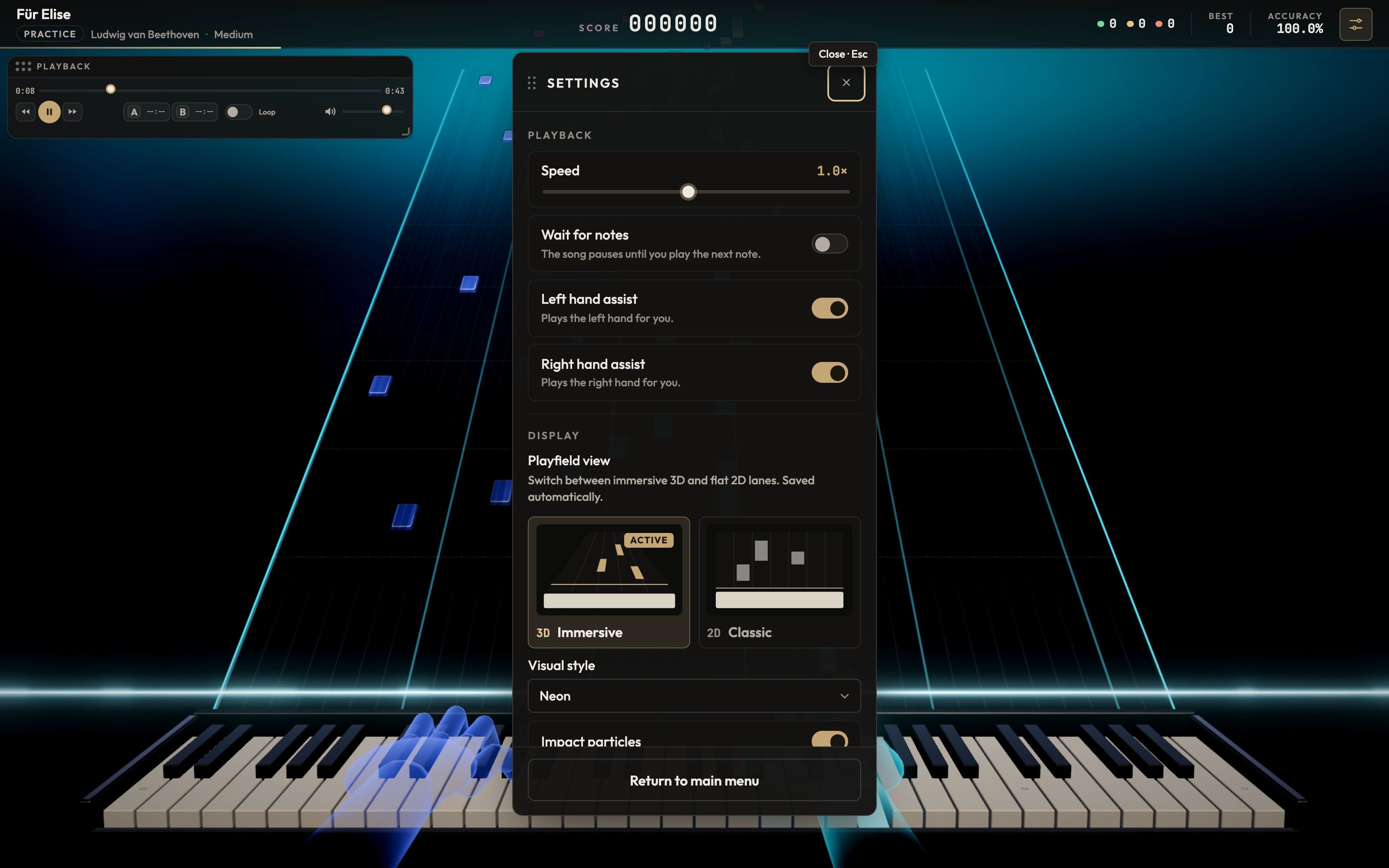
Fingering and virtual hands
Zalmaya works out a fingering for every note in the piece and animates two hands above the keyboard, with finger numbers. The opacity and strength of the hints are adjustable.
Speed and waiting
Slow the piece down as much as you need. In wait mode, playback stops until you play the right note.
A–B loop and assist
Loop a specific passage. Let Zalmaya play one hand while you work on the other.
MIDI files
Any piece, as a glowing score.
Zalmaya reads standard MIDI files. On import, it analyses the tracks and splits the notes between the left and right hands.
- Import .mid and .midi files from your computer
- Title taken from the file name, duration calculated, editable details and cover
- Difficulty levels, tags, search and sorting in the library
- Automatic import from a watched folder Premium
Zalmaya does not provide a catalogue of songs to download: you import your own MIDI files.
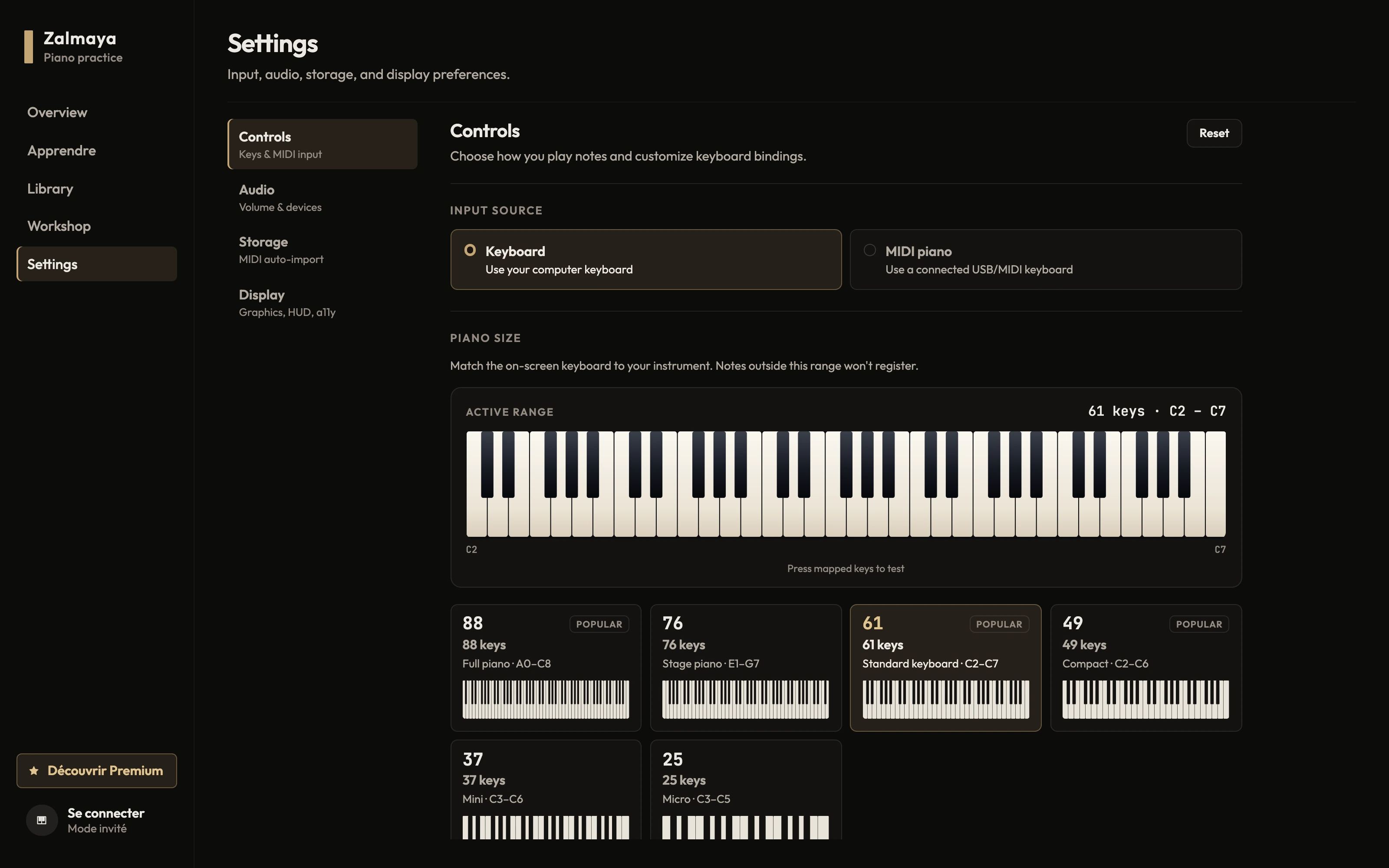
Keyboards
Your MIDI keyboard, or your computer's.
Choose the input source and the size of your instrument: Zalmaya adapts the on-screen keyboard.
- Keyboards with 88, 76, 61, 49, 37, 25 keys, or a custom range
- Live key test in the settings
- Computer keyboard with fully remappable keys
- Latency compensation and audio output selection
| System | Status |
|---|---|
| Windows | Supported |
| macOS | Being validated |
On macOS, MIDI keyboard support is still being validated. The computer keyboard works on both systems.
Sound and look
Choose your instrument and your stage.
Classic pack
FreeYamaha CFX · Steinway D · Upright · Felt Piano · Rhodes · Harpsichord
Retro pack
Premium8-bit · GameBoy · NES · C64
Fantasy pack
PremiumCrystal · Music Box · Choir · Bell · Synth
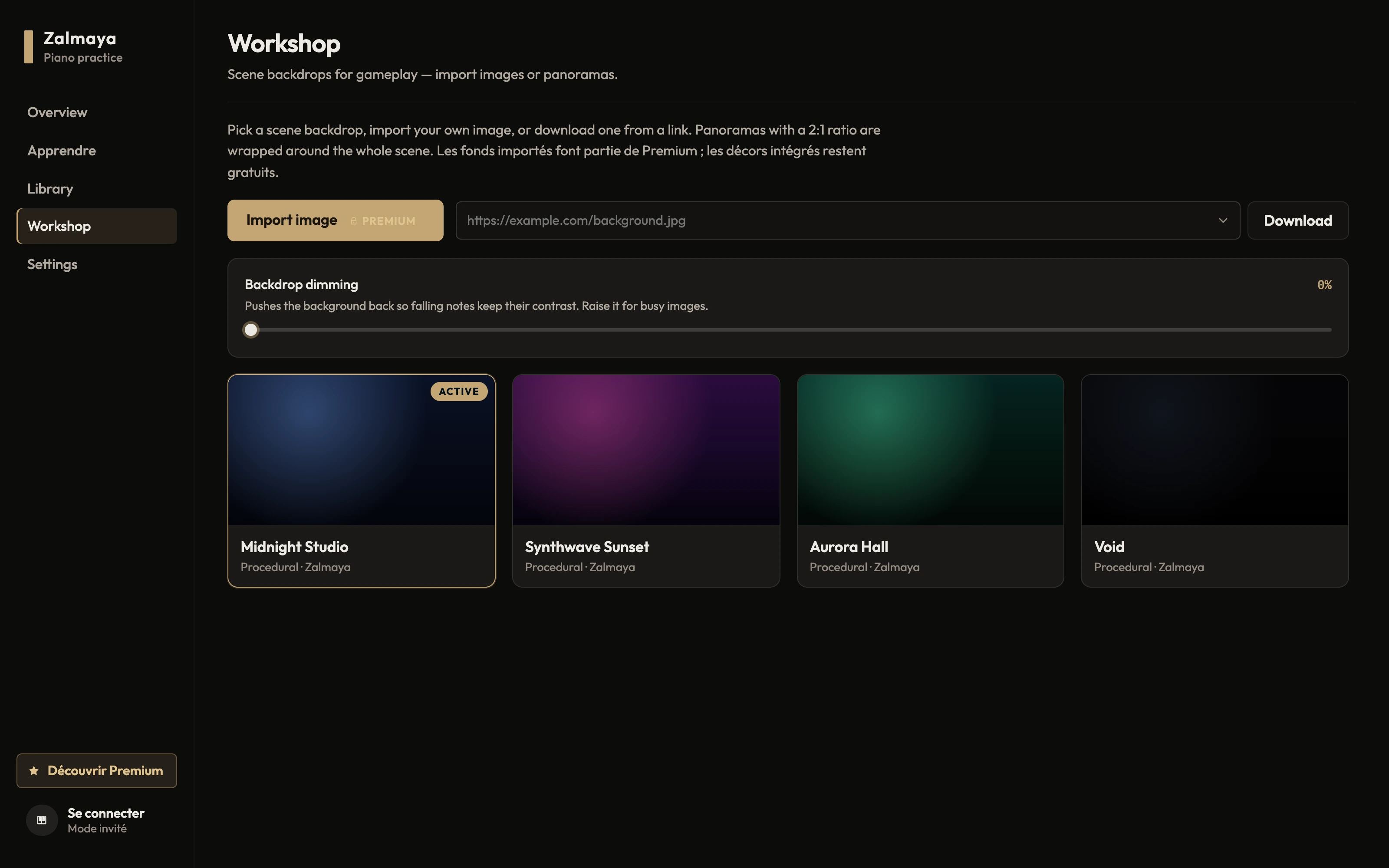
- Four built-in backdrops: Midnight Studio, Synthwave Sunset, Aurora Hall and Void
- Your own images and 360° panoramas as a backdrop, with a theme matched to their colours Premium
- Adjustable note styles, bloom, particles and stage effects
- Creator mode: a clean interface to film your playing, in landscape or 9:16
- Frame rate limit and adaptive resolution for modest computers
- Accessibility: reduced motion, high contrast, large text
Instrument sounds are downloaded the first time you use them, so an Internet connection is needed then.
Account
An account if you want one.
Zalmaya works without an account. Creating one lets you back up your progress and use Premium.
Without an account
All free features are available from the first launch. Your progress stays on your computer.
Progress backed up
Once signed in, you can link your progress to your account and restore it on another computer. Nothing is lost: the best result for each lesson and each song is kept.
Premium on two computers
Your subscription works on two computers at once, and stays active for up to 14 days without an Internet connection.
Ready to put your hands on the keys?
Zalmaya is free to start, no account required. Unlock Premium whenever you want to go further.